When you're planning a new business, creating financial projections often means opening Excel and staring at an empty spreadsheet.
Then come the questions.
What formulas do you need? How do you forecast revenue? How should startup costs be handled? How do loan payments affect cash flow? How do you create a projected balance sheet? And how do you make sure changing one assumption updates everything else correctly?
For someone with financial modeling experience, Excel can be an extremely powerful tool.
For an aspiring entrepreneur who simply wants to understand whether a new business idea makes financial sense, building a financial model from scratch can become a project of its own.
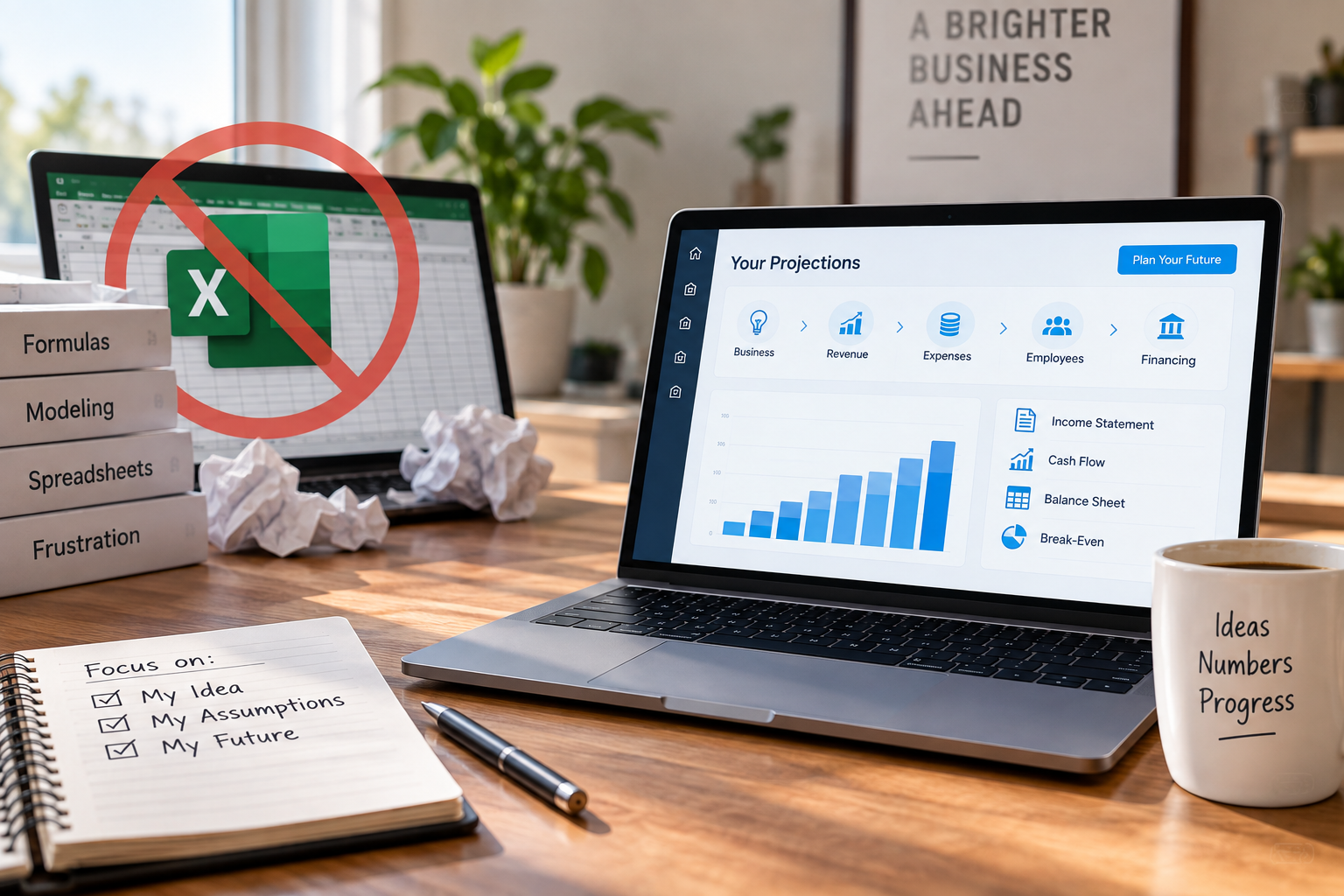
Fortunately, you don't have to build your projections in Excel.
Financial planning software can automate much of the underlying modeling so you can focus on the assumptions behind your new business rather than formulas and spreadsheets.
Why Are Financial Projections Often Created in Excel?
Excel is commonly used for financial modeling because it provides enormous flexibility.
You can create your own assumptions, calculations, schedules, financial statements, scenarios, and reports.
The problem is that Excel gives you the building blocks, not the financial model.
Someone still needs to determine how everything should work together.
When you're planning a new business, that could mean building calculations for:
- Revenue
- Cost of goods sold
- Operating expenses
- Startup costs
- Employees
- Payroll
- Loans
- Interest
- Assets
- Liabilities
- Cash flow
- Profitability
Those calculations then need to flow through your projected financial statements correctly.
That's where things can become complicated.
The Challenge Isn't Entering Numbers. It's Building the Model.
Creating projections isn't simply a matter of typing expected revenue and expenses into a spreadsheet.
Your assumptions are connected.
Suppose you decide to hire an employee three months earlier than originally planned.
That decision could affect payroll expenses, payroll-related costs, profitability, cash flow, and your projected cash balance.
Increase your loan amount and you may change available startup cash, liabilities, interest expense, and future debt payments.
Change your sales assumptions and you may affect revenue, cost of goods sold, profitability, cash flow, and potentially other parts of the business.
A properly constructed financial model needs to account for those relationships.
That's one reason building reliable projections manually can be difficult for someone without financial modeling experience.
Can You Create Financial Projections Without Excel?
Yes.
Instead of building the underlying financial model yourself, you can use financial planning software that performs the calculations based on the assumptions you provide.
The basic process becomes much simpler:
You describe how you expect the new business to operate.
The software turns those assumptions into financial projections.
This allows you to spend more time thinking about the business itself.
How many customers could you realistically serve?
What should you charge?
How many employees will you need?
What will rent cost?
How much money will you need before opening?
How much financing will you require?
Those are business-planning questions rather than spreadsheet-building questions.
Step 1: Estimate What It Will Cost to Start the Business
Before forecasting future operations, determine what you'll need to spend to get the business ready to launch.
Startup costs can include things such as:
- Equipment
- Inventory
- Furniture
- Lease deposits
- Leasehold improvements
- Licenses and permits
- Professional fees
- Technology
- Initial marketing
- Insurance
- Franchise fees, when applicable
- Working capital
This helps you estimate the total amount of funding you may need before the business begins generating enough cash to support itself.
Step 2: Determine How the Business Will Generate Revenue
Your revenue projections should be based on understandable business assumptions.
Depending on the business you're planning, you might estimate:
- Customers
- Transactions
- Units sold
- Average selling price
- Memberships
- Recurring revenue
- Available capacity
- Growth over time
Instead of saying, “I think the business will generate $500,000,” try to understand what actually needs to happen to generate $500,000.
That makes the projection easier to evaluate and adjust.
Step 3: Estimate Your Operating Expenses
Identify the ongoing costs required to operate the business.
These might include:
- Rent
- Payroll
- Insurance
- Utilities
- Marketing
- Software
- Supplies
- Professional services
- Repairs and maintenance
- Other operating expenses
Think about when expenses begin as well as how much they cost.
Some expenses may start before you generate your first dollar of revenue.
Step 4: Build Your Hiring Plan
If you'll need employees, determine when you expect to hire them and what they'll cost.
Consider wages or salaries, expected hours, benefits, payroll-related costs, and future compensation changes.
The timing of hiring can significantly affect how much cash the business needs during its early months.
Step 5: Add Your Financing
If you're borrowing money to launch the business, incorporate the financing into your projections.
That includes the loan amount, interest rate, repayment period, and expected payments.
Also identify how much money you plan to contribute personally and any other funding sources.
Step 6: Generate Projected Financial Statements
Once the assumptions have been established, they need to come together in projected financial statements.
A complete financial plan will typically include:
Projected Income Statement
Shows expected revenue, expenses, and profitability.
Projected Cash Flow Statement
Shows expected cash inflows and outflows and can help identify periods when the business may experience cash pressure.
Projected Balance Sheet
Shows expected assets, liabilities, and equity.
When you're building a model manually in Excel, you need to create and connect these statements yourself.
Financial planning software can automate much of that work.
Step 7: Review Break-Even and Cash Requirements
Once your projections are built, don't just look at projected profit.
Look at what the plan tells you about the business.
How much revenue do you need to break even?
How much cash do you need to launch?
Does your projected cash balance become dangerously low?
How long might it take before the business becomes profitable?
Could the business support its expected loan payments?
These are some of the questions projections are intended to help you evaluate.
Step 8: Change Your Assumptions
One major benefit of building a financial model is being able to ask “what if?”
What if sales are lower?
What if rent is higher?
What if you delay hiring?
What if you increase your prices?
What if you borrow more or contribute more of your own money?
Financial planning shouldn't stop after creating one projection.
Adjusting your assumptions can help you understand which variables have the greatest effect on the financial viability of your business.
How StartSmart Creates Financial Projections Without Excel
StartSmart is designed specifically for people planning a new business.
Instead of giving you a blank spreadsheet and asking you to build a financial model, StartSmart guides you through questions about how you expect your business to operate.
You provide assumptions about areas such as startup costs, revenue, expenses, employees, and financing.
StartSmart handles the underlying financial modeling and automatically turns those assumptions into a complete financial plan.
That can include:
- Projected financial statements
- Revenue projections
- Operating expense projections
- Startup cost schedules
- Sources and uses of funds
- Employee cost projections
- Loan projections
- Cash-flow projections
- Break-even analysis
- DSCR analysis
- Supporting financial documentation
You can then change your assumptions and see how those changes affect the financial plan without rebuilding formulas or maintaining a spreadsheet model yourself.
What If Your Business Is Already Operating?
StartSmart is designed for planning a new business, where projections need to be built from assumptions because the business doesn't yet have its own financial history.
If your business is already operating, forecasting from actual historical financial performance is a different process.
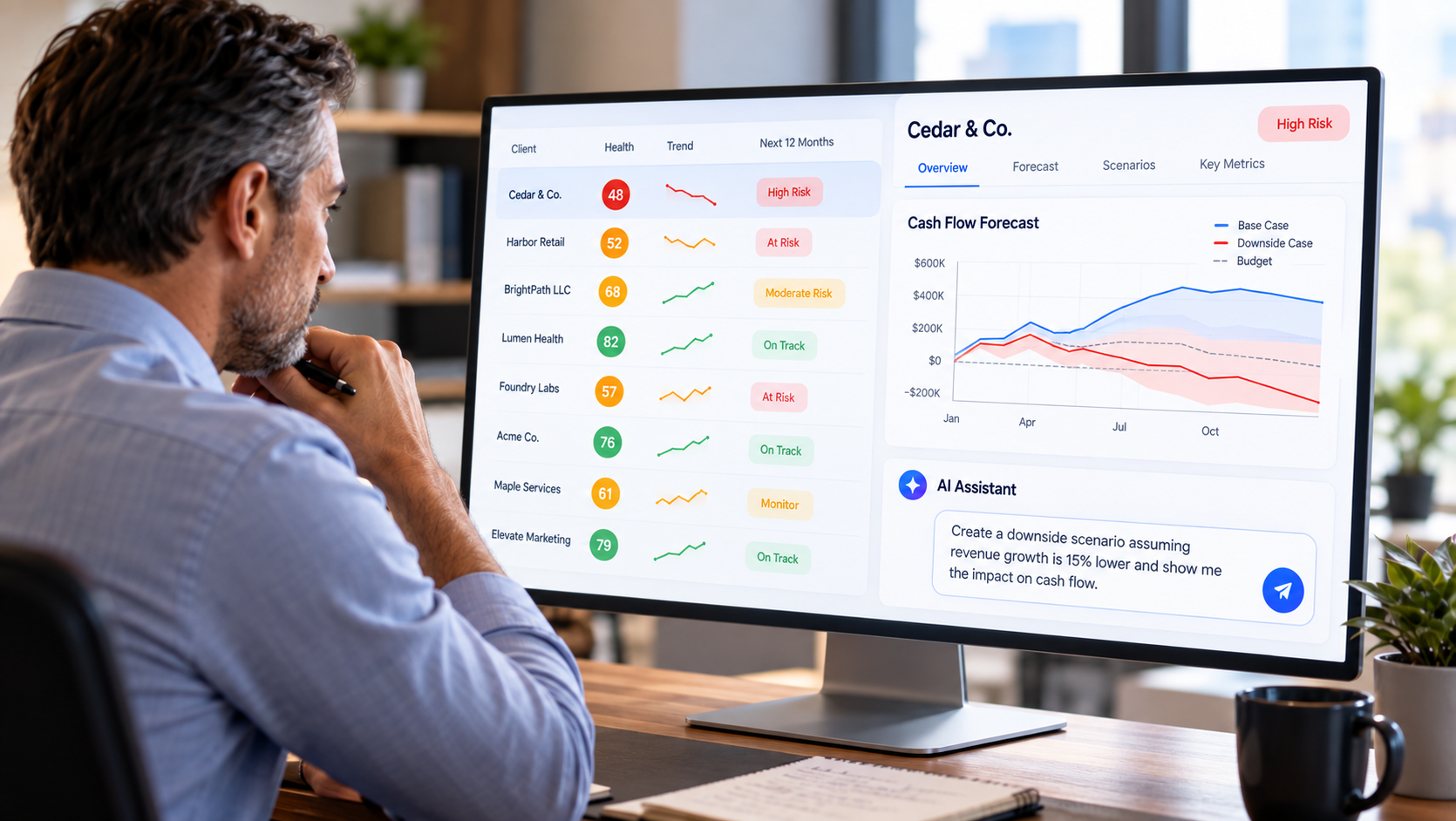
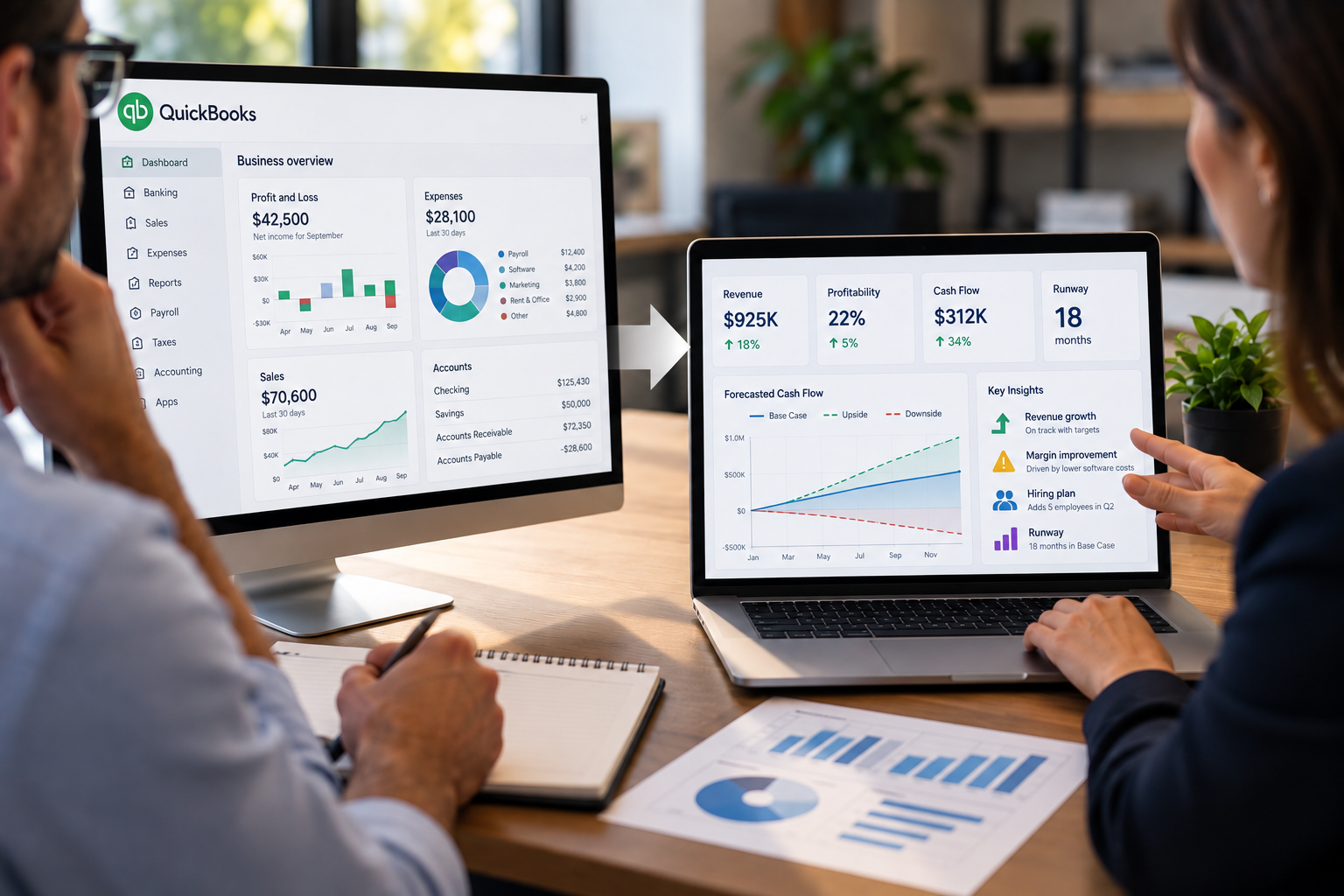
Projection Genie's RunSmart is designed for that stage. It analyzes actual QuickBooks data to create forward-looking forecasts and financial insights and lets you model how future decisions may affect the business.
Put simply:
Planning a new business → StartSmart
Forecasting an existing business → RunSmart
Create Your Financial Projections Without Building an Excel Model
Excel isn't the problem.
It's an extremely capable financial modeling tool.
The question is whether you want to spend your time building and maintaining a financial model or understanding the business you're considering starting.
StartSmart is designed to handle the modeling so you can focus on the assumptions and decisions behind your business plan.
And you can use StartSmart to create a complete financial plan, projections, and supporting documentation for one new business completely free.
Start building your financial projections with StartSmart for free, without building an Excel financial model yourself.