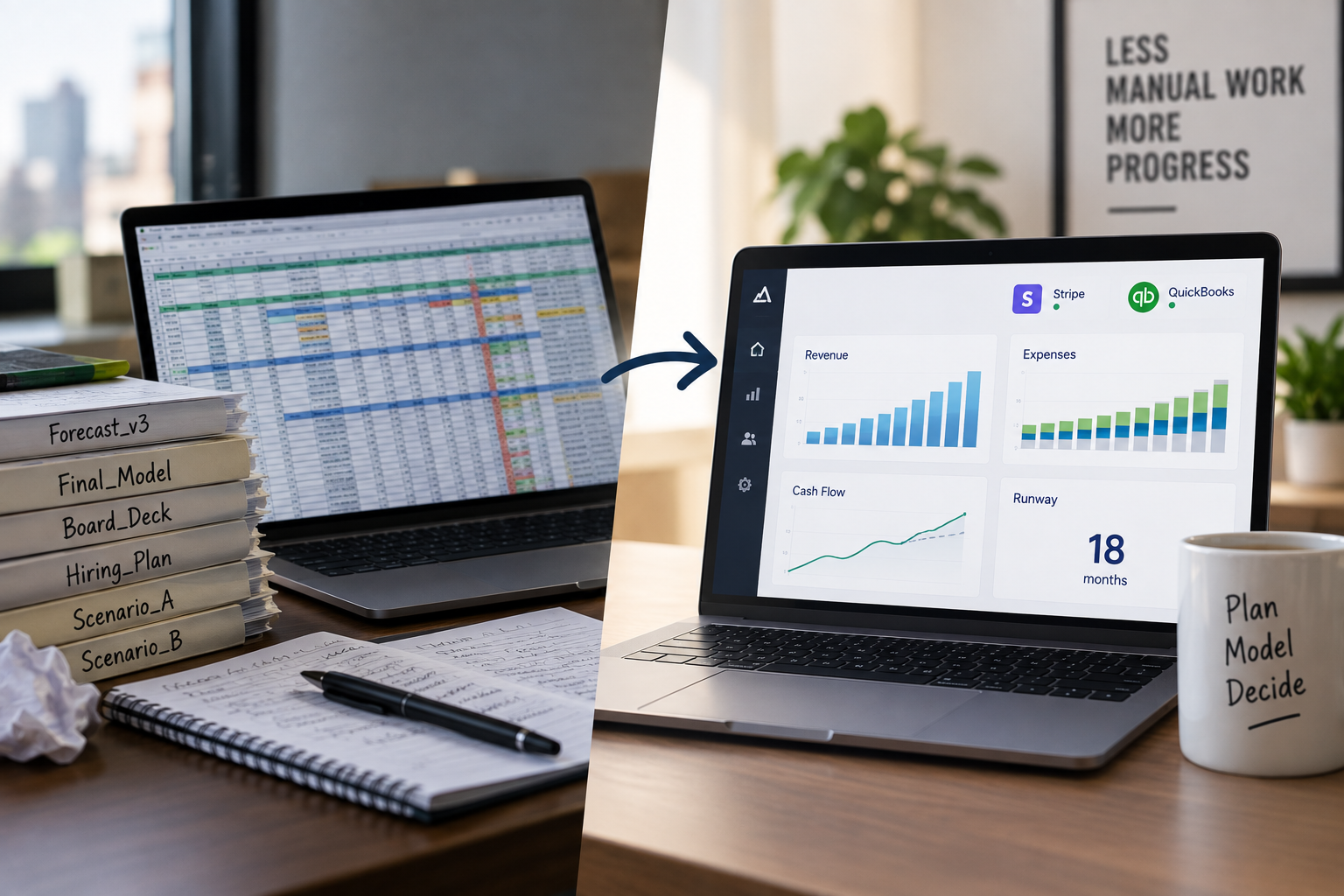
Hiring is one of the biggest investments a small business can make. But planning for future headcount—how many people to hire, when to hire them, and how much it will cost—is extremely challenging for most business owners.
That’s because doing it manually means juggling dozens of moving parts without the tools to connect them:
- You’re trying to guess how revenue growth will impact staffing needs
- You have to manually track pay rates, raise schedules, and start dates across roles
- Payroll taxes vary by location and are easy to overlook
- Costs don’t stay flat—wages increase, people leave, and new hires don’t always start on schedule
- And once you build a plan, it’s already outdated the next time your numbers change
Spreadsheets can’t keep up with that complexity—and traditional HR tools weren’t built for forecasting costs based on actual business performance.
That’s where the Workforce Planner in RunSmart comes in.
Build a Team That Matches Your Growth
RunSmart’s Workforce Planner helps you align your hiring plans with your forecasted sales, expenses, and available budget—so you can grow your team with confidence instead of guesswork.
Unlike spreadsheets or one-size-fits-all HR tools, our Workforce Planner is designed specifically for small business owners. It focuses on what matters most: cost, timing, and role clarity.
Key Features That Make Planning Easy and Accurate
Forecast Staffing Costs Based on Sales
RunSmart automatically analyzes your historical financial data to determine whether your employee expenses are correlated with sales. If they are, we use your forecasted revenue to project how your total payroll will need to grow over the next 5 years.
But not every business has a strong link between sales and staffing costs—and that’s okay. If no meaningful correlation is found, RunSmart will default to a flat or user-defined payroll projection, rather than forcing an inaccurate connection. That way, your staffing forecast still moves forward using realistic assumptions based on how your business actually operates.
The result: forecasts that flex with your business model, whether or not your team scales directly with revenue.
Role-Level Planning Without the Manual Overhead
Every role you plan in RunSmart can be fully defined—so your forecasts are grounded in reality, not estimates. For each position, you can specify:
- Job title – to clearly organize roles by department or function
- Hourly or salaried pay – so wage types are calculated accurately
- Starting pay rate – for precise cost forecasting from day one
- Raise schedule – to project how labor costs will grow over time
- Start and end dates – to handle seasonal or temporary roles with accuracy
- Job location – to automatically apply region-specific payroll tax rates
- Reporting structure – to build a clear view of your organizational hierarchy
With these inputs, RunSmart not only calculates your monthly staffing costs—it also generates an interactive organizational chart that helps you visualize your entire team structure at a glance.
The org chart updates automatically as you plan new roles. And it’s fully interactive: when you hover over any position, you’ll see key details like:
- Name
- Employee ID
- Position Title
- Job Category
- Employee Type (e.g. full-time, part-time)
- Pay Type (hourly or salaried)
- Pay Rate
- Start Month
- End Month
This makes it easy to spot coverage gaps, overlaps, or under-resourced areas—so your team planning isn’t just financially sound, but organizationally strategic as well.
QuickBooks Integration to Save Time
If you use QuickBooks for payroll, RunSmart automatically pulls:
- Historical headcount
- Actual pay rates
- Active employee roles
This saves you from re-entering data and lets you immediately see how your current team compares to your forecasted needs.
Pay rates are also auto-forecasted using your historical data and RunSmart’s advanced forecasting engine—so you can project realistic compensation over time without lifting a finger.
Turn Forecasts Into Budgets—and Track Progress
Once your forecast is in place, RunSmart makes it easy to convert it into a monthly payroll budget.
From there, you can track actual payroll spending against your budget to stay on target, quickly spot deviations, and course-correct as needed. Whether expenses come in higher than expected due to raises or lower due to delayed hiring, you’ll know in real time.
This helps you stay accountable to your plan—without the hassle of building manual reports.
Why It Matters
Planning your team manually is slow, error-prone, and often disconnected from the realities of your business. You shouldn’t have to guess what you can afford—or spend hours building complex spreadsheets to find out.
With RunSmart’s Workforce Planner, you’ll:
- Know exactly how much hiring your team will cost
- Forecast how many people you’ll need as your sales grow
- Make smarter decisions about when and who to hire
- Monitor payroll costs against your plan and adjust before problems arise
- Visualize your organization with clarity, so every hiring decision supports your broader structure
- Ensure every staffing decision flows back into your forecasted financials—so your income statement, balance sheet, and cash flow all stay aligned
Because RunSmart connects your workforce planning directly to your financial projections, you’re not just building a hiring plan—you’re building a smarter, more financially sustainable business strategy.