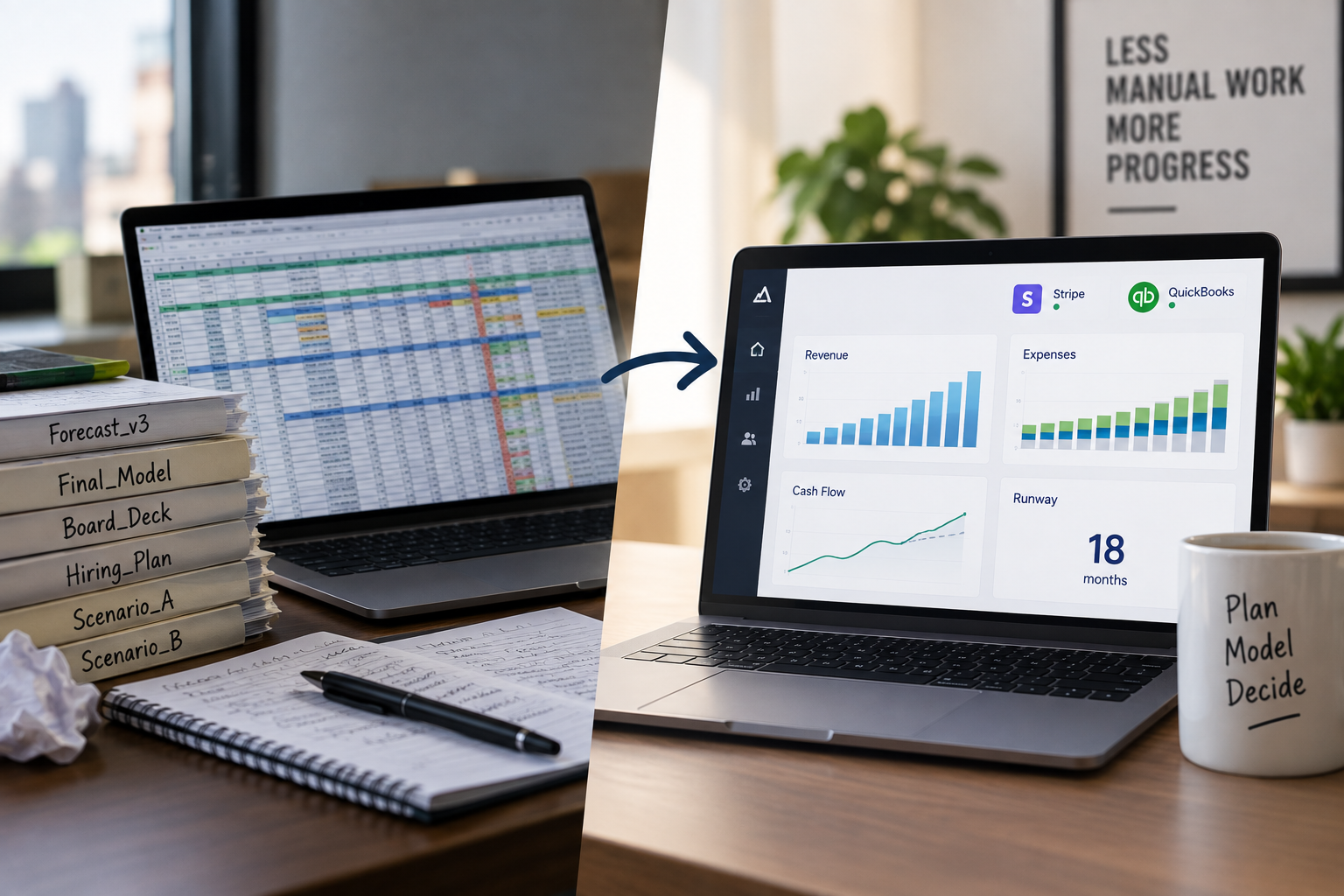
If you’re a small business owner, you know it’s important to plan ahead. But predicting your future revenue, expenses, and cash flow can feel overwhelming. That’s where financial planning and forecasting tools like LivePlan and RunSmart come in.
Both tools aim to make financial planning easier—but they go about it in very different ways.
In this article, we’ll break down how each tool works, how they compare, and which one might be the better fit for your business.
💡 What Is Financial Forecasting?
Forecasting means predicting your business’s financial future—like how much money you’ll make, spend, and have left over. It helps you plan smarter so you’re not caught off guard by things like unexpected bills or slow months.
🧮 Simple vs. Smart Forecasting: The Key Difference
Before we compare features, let’s look at the biggest difference between LivePlan and RunSmart:
🛠️ LivePlan Uses a Basic “Rate of Change” Method for Forecasting
When you connect LivePlan to your accounting data (like QuickBooks), and it sees over a year’s worth of past numbers, it calculates something called the "Rate of Change." Here’s how it works:
- It looks at the same months across two years—for example, June to August of last year and this year.
- It adds up your totals for those overlapping months (e.g., $30,000 last year, $36,000 this year).
- It calculates the difference—in this case, a +20% increase.
- It applies that 20% increase to future months to guess what’s coming.
Sounds reasonable, right?
But here’s the problem: businesses aren’t that predictable.
This method:
- Ignores seasonality (like holiday spikes or slow summers)
- Assumes growth will stay perfectly steady
- Can’t react to sudden changes or unusual patterns
- Doesn’t learn from deeper patterns in your financials
So while it’s easy to calculate, the "rate of change" method can lead to oversimplified or unreliable forecasts, especially when your business experiences fluctuations in revenue over time.
🤖 RunSmart Uses Advanced Forecasting Models Trusted by Experts
RunSmart takes a much more powerful approach. Instead of just looking at percentage changes from last year, it uses advanced forecasting models—the same kinds that are used by expert finance teams at Fortune 500 companies. The difference? RunSmart customizes these methods to work for small businesses automatically, with no data science or advance finance skills required.
Here are three of the forecasting models RunSmart uses:
✅ R-Squared (R²) – “Are things connected?”
- In RunSmart, R² is used to measure how closely related different parts of your business are—for example, how much your sales drive your cost of goods sold (COGS).
- If the correlation is strong, RunSmart uses that relationship to build more realistic forecasts.
- If it’s weak, it avoids relying on those numbers so your forecast stays solid.
Why it matters: This means RunSmart can intelligently figure out which drivers (like revenue) actually influence your expenses—and only build forecasts when it finds real patterns.
✅ Holt-Winters – “Understanding seasonality”
- This model finds trends and repeating cycles in your business, like busy holiday months or quiet summers.
- It adjusts your forecast based on these recurring patterns.
Why it matters: If your sales peak every December or dip every July, Holt-Winters makes sure your forecast reflects those cycles—not just a flat growth rate.
✅ ARIMA – “Learning from the past”
- ARIMA looks at your past data and finds patterns in how your numbers move over time.
- It accounts for unusual fluctuations, trends, and short-term shifts.
Why it matters: It builds smarter, forward-looking forecasts based on your real history—not just on your most recent few months.
🧠 Why These Models Matter for Small Business Owners
These models are:
- Trusted by financial analysts at large corporations
- Designed to give more accurate predictions
- Now available to small business owners through RunSmart, without needing a data scientist or your own financial analyst
They help you:
- Avoid bad guesses
- Spot real risks and opportunities
- Save time and make better decisions, even if you're not a numbers person
- Avoid having to hire expensive financial experts
🆚 Feature-by-Feature Comparison
1. Creating Forecasts
FeatureLivePlanRunSmartForecasting methodManual entries or rate of changeAutomated statistical modelsEase of setupConnects to QuickBooks and Xero; guided setupQuickBooks Online connection; automatic setupAccuracyDepends on user input and past averagesLearns from your business trends and relationships
2. Scenario Planning
Both tools let you explore “what if?” scenarios—like changing prices, hiring staff, or increasing ad spend.
- LivePlan: Create side-by-side forecast versions manually.
- RunSmart: Adjust headcount, loans, marketing budgets, and other drivers, and the platform updates the entire forecast using real data relationships.
3. Reports, Scorecards & Sharing
FeatureLivePlanRunSmartTeam access✅ Yes✅ YesFinancial visuals✅ Yes✅ YesForecast summaries❌ Not specialized✅ Forecast overview with risk indicatorsBusiness health tracking❌ No formal scoring✅ Financial health scorecard with 13 KPIsAccounting integrations✅ QuickBooks Online & Xero✅ QuickBooks Online
✅ Pros & Cons
LivePlan
👍 Pros
- Easy to use, especially for beginners
- Great for creating business plans and pitch decks
- Connects to QuickBooks and Xero
- Includes visual charts and reports
👎 Cons
- Forecasts are based on simple rate-of-change calculations
- Doesn’t handle seasonal or unexpected changes well
- More focused on business planning than deep financial forecasting
RunSmart
👍 Pros
- Fully automated forecasting from your QuickBooks data
- Uses expert-level models (R², Holt-Winters, ARIMA) behind the scenes
- Tailored for financial planning and performance management
- Provides financial visuals, rolling forecasts, and scorecards
- Identifies data relationships to build more accurate forecasts
👎 Cons
- Currently connects only to QuickBooks Online (Xero integration coming)
🧭 Final Thoughts
If you’re:
- Writing a business plan → LivePlan is a solid choice.
- Running a business and need ongoing, automated, accurate financial planning → RunSmart is the better option.
LivePlan helps you tell the story of where your business could go.
RunSmart helps you manage where it's actually headed.
Bottom line:
If you want quick planning and a guided experience, LivePlan gets the job done.
If you want intelligent, adaptive forecasting that automatically adjusts for you as your business evolves—RunSmart is the clear winner.